
ChatGPT vs Microsoft Copilot for Small Businesses

As AI becomes part of everyday work, many small businesses across Kent are asking an important question:

“Should we use ChatGPT, Microsoft Copilot — or both?”

Both tools are powerful, but they are designed for very different purposes. ChatGPT is a general-purpose AI model that can help with creative ideas, drafting, rewriting, training support and problem-solving. Microsoft Copilot, on the other hand, is built for the workplace — working securely inside Microsoft 365, using your business data, and following your organisation’s permissions and governance rules.

This article provides a clear, unbiased comparison to help small businesses understand the strengths, limitations and appropriate use cases for each tool.
A Clear Explanation — The Core Difference Between ChatGPT and Copilot

The simplest distinction is this:

ChatGPT is an external AI tool.
Copilot is an internal AI assistant built into Microsoft 365.

ChatGPT is excellent for generating ideas, explaining concepts, rewriting content and solving general business questions.

Copilot is excellent for summarising emails, drafting replies, analysing documents and working with real organisational context — all within a secure, permission-aware environment.

Understanding this distinction helps small businesses decide which tool to use for different tasks.

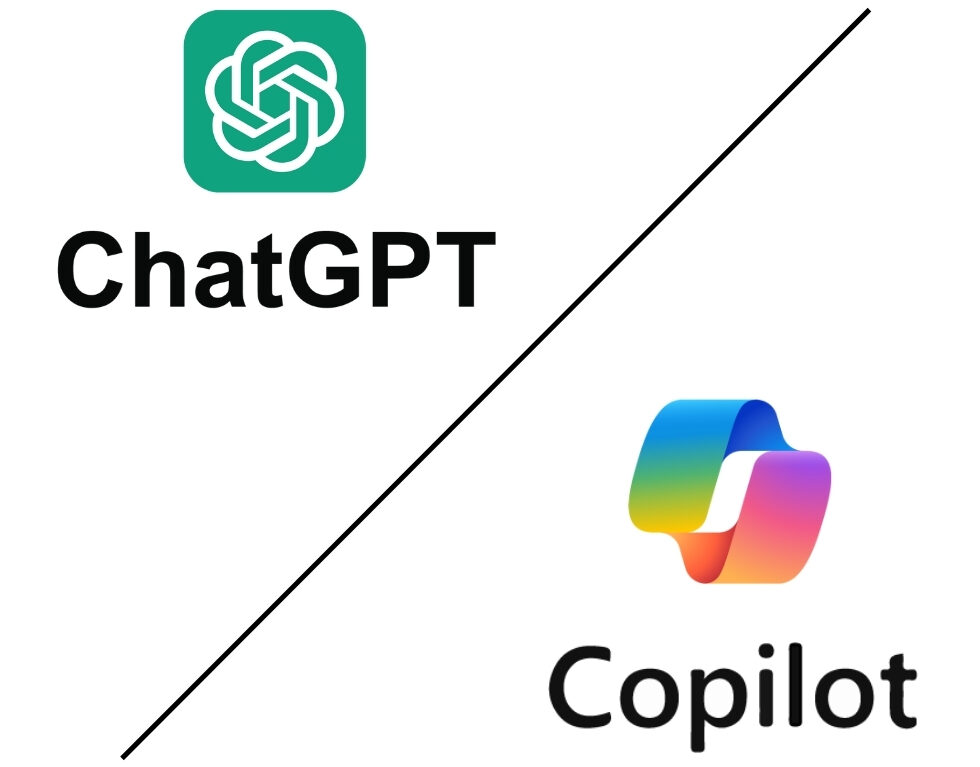
ChatGPT logo compared to Copilot logo

What ChatGPT Does Well

ChatGPT is designed for broad knowledge and creative flexibility.

It is particularly useful for:

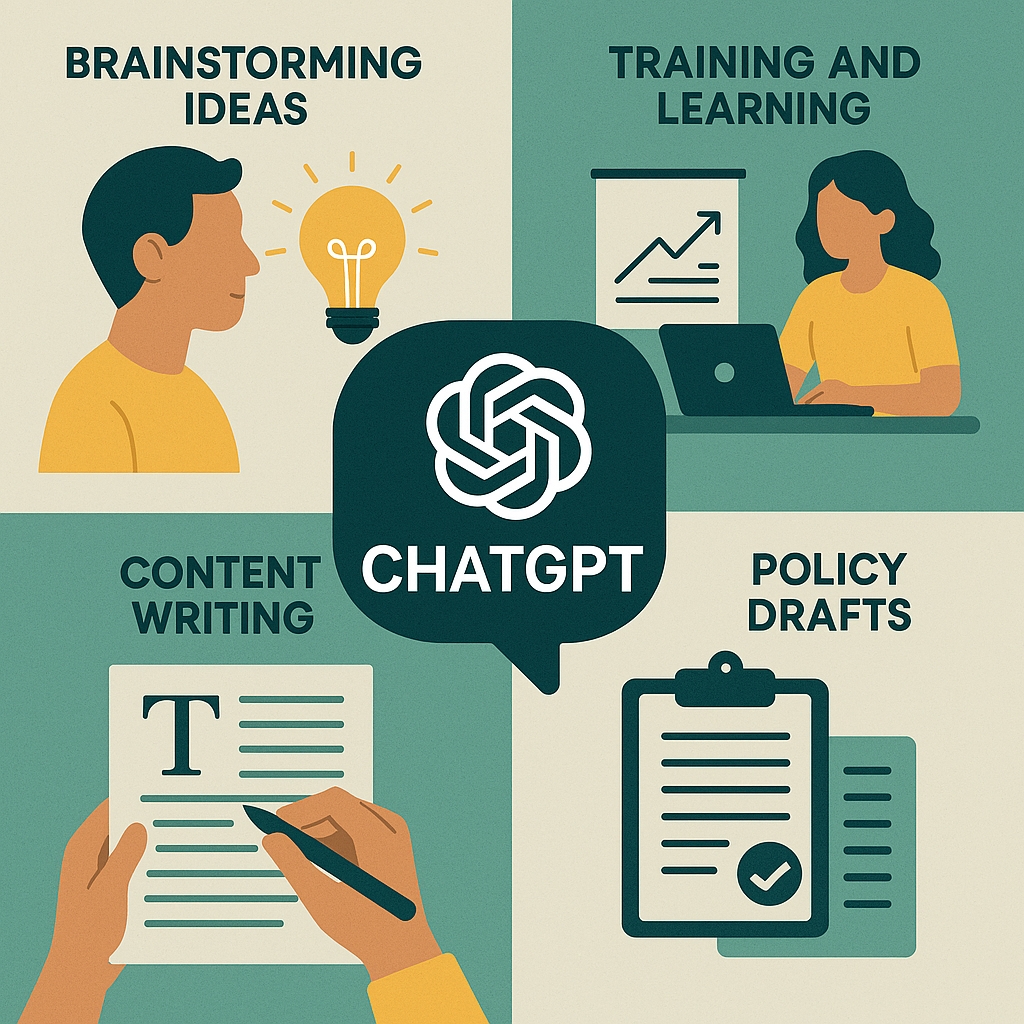
  • Brainstorming ideas
  • Rewriting or reshaping text
  • Learning new topics
  • Role-playing scenarios for training
  • Drafting job descriptions or policies
  • Guiding problem-solving
  • Producing variations of content

Small businesses often use ChatGPT to support:

  • Marketing content
  • Website copy
  • Product descriptions
  • Social media ideas
  • Internal training materials

Because ChatGPT is a standalone tool, it does not know anything about your organisation unless you manually give it that information.

Illustrations of ChatGPT uses.

What Microsoft Copilot Does Well

Copilot is valuable because it works with the information your team uses every day — without the need to copy or paste anything externally.

Microsoft Copilot works inside:

  • Outlook
  • Word
  • Excel
  • PowerPoint
  • Teams
  • SharePoint
  • OneDrive
  • Loop
  • Planner
  • Power BI

This gives it capabilities ChatGPT cannot match, including:

  • Summarising real Teams meetings
  • Extracting actions from your email threads
  • Drafting documents using your organisation’s terminology
  • Producing reports from your Excel data
  • Finding relevant files in SharePoint or OneDrive
  • Understanding context from past communications
  • Supporting workflows across Teams channels and Planner tasks
Microsoft 365 full suite logos for integrations with Copilot AI

Key Differences Small Businesses Should Understand

Below is a clear comparison of how the two tools differ in ways that matter to business owners, managers and everyday staff.

Feature

ChatGPT

Copilot

1. Data Location and Security

Your data is processed outside your Microsoft 365 tenant. You choose what to share, but once shared, you lose internal governance control.

All processing stays inside your Microsoft 365 environment. Data never leaves your tenant, and everything follows your existing security rules. For businesses handling sensitive information, this is a major distinction.

2. Permission Awareness

Has no understanding of your organisation’s security model. It cannot differentiate between public, confidential or restricted content.

Uses your existing permissions. If an employee can’t see a document in SharePoint or Teams, Copilot can’t either. This prevents inappropriate access.

3. Integration with Business Systems

Does not integrate with Microsoft 365 files, calendars, Teams channels or organisational data unless manually provided.

Works directly with emails, meetings and calendar, files, tasks, Excel sheets and Teams chats. This organisational awareness is its biggest differentiator.

4. Accuracy and Relevance of Output

Produces strong general answers but cannot reference your policies, workflows or customer information unless you provide it — which can create data leakage risks.

Grounds its output in your real business context, improving accuracy and reducing guesswork.

5. Compliance and Governance

No built-in alignment with your retention policies, sensitivity labels or compliance rules.

Inherits your existing governance — including DLP, retention, classification, MFA, and audit logs. This makes Copilot safer for regulated work.

6. Use Cases for Teams and Collaboration

Cannot analyse Teams chats, channels, meetings or documents unless you manually paste content in.

Deeply integrated into Teams — summarising calls, extracting actions, drafting updates and understanding project context. This is especially useful for small teams managing multiple responsibilities.

When Small Businesses Should Use ChatGPT

ChatGPT is best used for:

  • Creative content
  • Market research summaries
  • Customer-facing wording
  • Training and knowledge explanations
  • Brainstorming new approaches
  • Writing variations
  • Simplifying complex topics

It excels when the task is general, not tied to internal data.

When Small Businesses Should Use Microsoft Copilot

Copilot is best used for tasks based on internal data, such as:

  • Drafting emails from Outlook threads
  • Summarising Teams meetings
  • Creating proposals using SharePoint documents
  • Analysing financial or operational data in Excel
  • Preparing presentations from internal notes
  • Following up on customer actions recorded in Teams or Outlook
  • Generating process guides from real workflows

If the task involves your business, Copilot is usually the correct tool.

Real Examples — ChatGPT vs Copilot in Daily Work

Copilot is best used for tasks based on internal data, such as:

  • Drafting emails from Outlook threads
  • Summarising Teams meetings
  • Creating proposals using SharePoint documents
  • Analysing financial or operational data in Excel
  • Preparing presentations from internal notes
  • Following up on customer actions recorded in Teams or Outlook
  • Generating process guides from real workflows

If the task involves your business, Copilot is usually the correct tool.

People shaking hands across a table following a job interview.

Scenario 1 — Writing a Job Description

ChatGPT:
Provides creative structure, tone variations and industry best practice examples.

Copilot:
Can tailor the description to your existing roles, documents and HR templates.

Man writing on post-it notes on a board to make notes about a project.

Scenario 2 — Summarising Project Information

ChatGPT:
Only summarises content you paste into it.

Copilot:
Summarises the latest files, emails, Teams chats and meeting notes from the project automatically.

Person looking at laptop with busy email inbox on it.

Scenario 3 — Drafting an Email Update

ChatGPT:
Can help refine language but lacks context.

Copilot:
Understands the email thread, past communication history, the client relationship and upcoming tasks.

Which Tool Should Small Businesses Choose?

Most small businesses benefit from using both, but for different reasons:

  • ChatGPT for creativity, ideas and external content
  • Copilot for internal workflows, security and organisational knowledge

The safest approach is:

  1. Use Copilot for anything involving internal data
  2. Use ChatGPT for general writing, ideas or creativity
  3. Train staff on the difference
  4. Put clear AI policies in place
  5. Reduce or eliminate Shadow AI by providing approved tools

This balanced method gives staff the flexibility they want and the security the business needs.

Q1: Is ChatGPT safe for business use?
It’s safe for general tasks, but sensitive or internal data should never be pasted into public AI tools, as a general rule.

Q2: Can Copilot replace ChatGPT?
No — Copilot is designed for organisational tasks, not creative exploration. Many teams use both.

Q3: Does Copilot access all my business data?
No. It only accesses content the individual user is already permitted to see.

Q4: Is ChatGPT better for writing?
ChatGPT is excellent for creativity and tone. Copilot is better when writing content based on internal information.

Q5: Does Copilot store or learn from our data?
No. All data stays within your Microsoft 365 tenant.

Q6: Which tool should staff use day-to-day?
Copilot for business tasks; ChatGPT for creative or general tasks.

Q7: Is Copilot more secure than ChatGPT?
Yes — because Copilot never leaves the Microsoft 365 environment and follows your permissions and governance.

Q8: Can both tools exist in the same organisation?
Yes — with clear policies, training and governance.

Free AI Readiness Assessment

Before deploying AI, your Microsoft 365 environment must be secure, structured and ready.
Our free AI Readiness Assessment is a 20–30 minute discovery session designed to uncover:

  • What AI blockers exist today
  • What security or governance actions are needed
  • Which teams and processes are best suited for early wins
  • Your business’s readiness to adopt Microsoft Copilot

You’ll receive a simple, actionable summary showing your next steps from our AI Solutions Lead, Chris.

Name(Required)
Level of Business AI Use

Explore a complete summary of our Copilot AI Business Solutions, including readiness, governance, implementation, adoption and AI agent development.

Discover our full CoPilot service offering. Browse our governance, onboarding, agent creation and consultancy services.

Learn how AI can work for you. Explore guides on Shadow AI, Copilot plans, AI Agents and more.